

June 17 - 19, 2026 :: Denver, CO
Advanced SketchUp training for architects, builders, and designers. Learn real workflows from the people who use them every day.
Live presentations and hands on workshops with Mike Brightman, Justin Geis, Nick Sonder, Meg Kinsinger, Matt Wheeler, Daniel Tal, John Brock, Dan Brown, and more.
Explore the Summit
Tools Every Landscape Designer Needs...
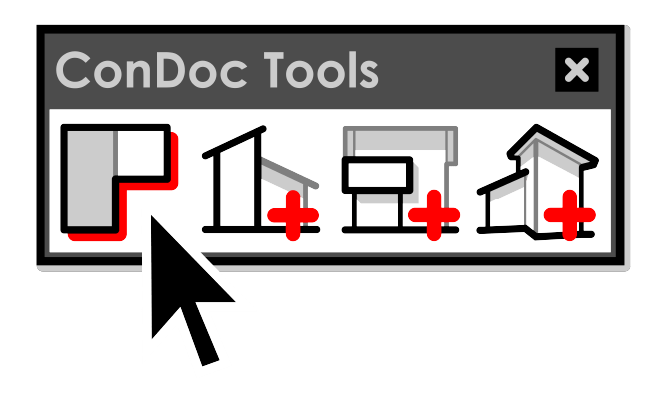
From concept to construction, every landscape project needs clear documentation. ConDoc’s Plan Generator, Section, Elevation, and Perspective tools automate the drawings landscape designers rely on most—so you can skip the setup and focus on design. In just a few clicks, you’ll get clean, accurate visuals ready for presentations, permits, or construction teams.
Plans for Landscapes
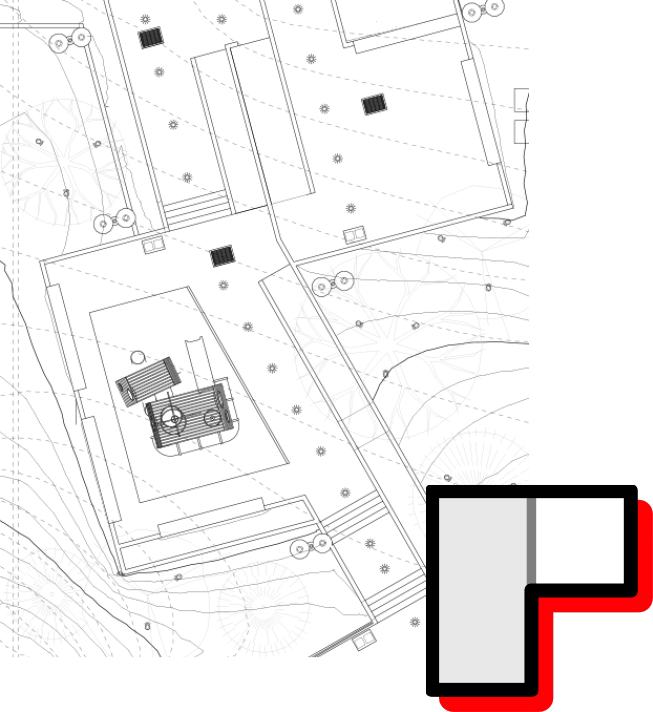
Quickly generate polished site, planting, hardscape, lighting, and grading plans—without the manual setup. The Plan Generator builds organized, properly named scenes for every level of your design, making it easy to create construction-ready drawings directly from your model. Whether you're laying out irrigation zones or detailing patio materials, ConDoc keeps your drawings clean, consistent, and ready to deliver.
Grading and Site Sections
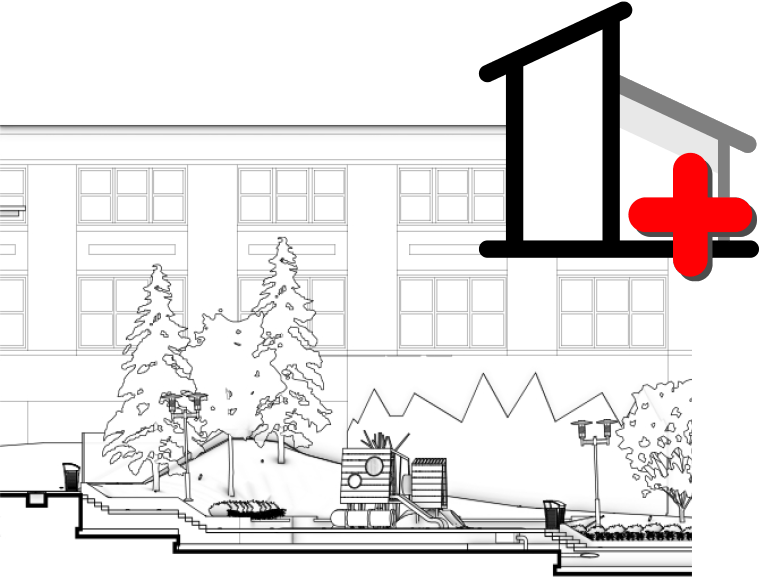
Cut clean, accurate sections through terrain, retaining walls, planting beds, and structures with just a few clicks. ConDoc creates properly named, vector-based section views that reveal elevation changes, spatial relationships, and construction details—without the usual setup headaches. Whether you're documenting slope transitions or showing how a deck meets grade, you’ll get clear, professional drawings ready for permits or site crews.
Feature Elevations
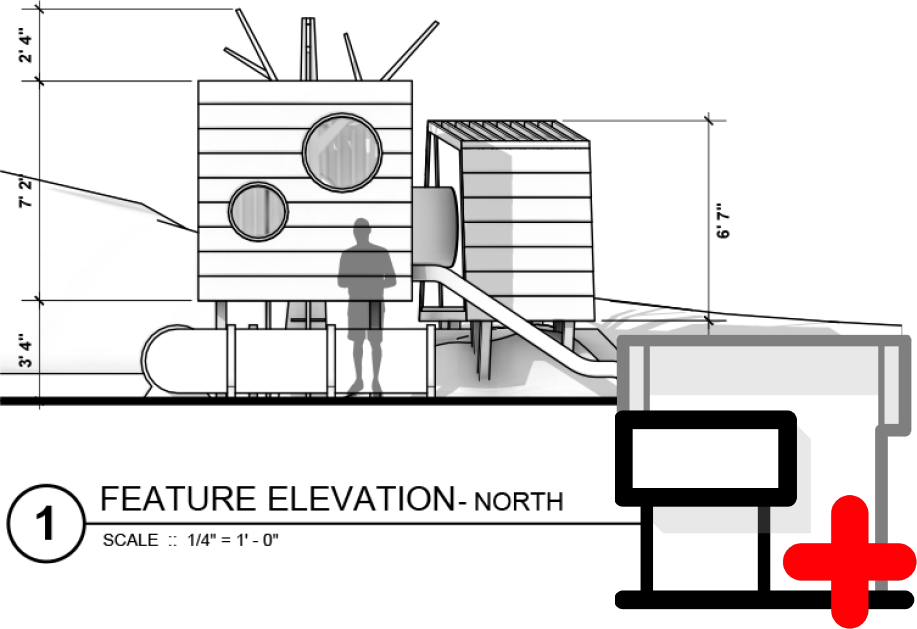
Quickly generate crisp, professional elevations of landscape features—fences, walls, pools, decks, fountains, and more. ConDoc aligns views, applies consistent 45° shadows, and builds properly named scenes for each elevation. You’ll get clear, detailed drawings that show how elements relate to grade, structures, and surrounding plantings—perfect for client presentations, permits, or construction teams.
Presentation Perspectives
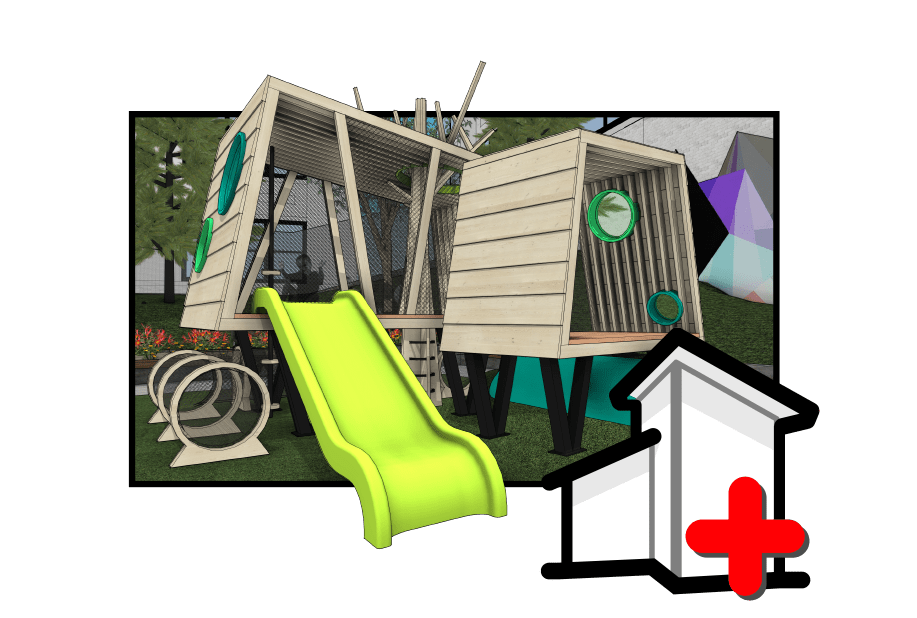
Capture beautiful, real-time 3D views of your landscape design—no render engine required. With the Perspective tool, just click to save any camera angle as a properly named scene. Whether you're showcasing the flow of outdoor spaces, highlighting feature placement, or walking clients through a garden path, ConDoc gives you quick, flexible views that bring your design to life in SketchUp or LayOut.
Let's Discuss Your Workflow
Have questions or want to see how ConDoc fits your process? Schedule a call with Mike Brightman, creator of ConDoc Tools. It’s your chance to ask technical questions, explore best practices, and learn exactly how to automate your workflow.
Prefer to reach out directly? Email us at [email protected] or call 720.443.3242. We look forward to connecting with you!
Get started with ConDoc Tools
Start your free 7-day trial to gain full access to all tools, resources, and courses... Monthly or Annual? Either way you get everything we make!
June 17 - 19, 2026 :: Denver, CO
Advanced SketchUp training for architects, builders, and designers. Learn real workflows from the people who use them every day.
Live presentations and hands on workshops with Mike Brightman, Justin Geis, Nick Sonder, Meg Kinsinger, Matt Wheeler, Daniel Tal, John Brock, Dan Brown, and more.
Explore the Summit
Organized for Landscapes
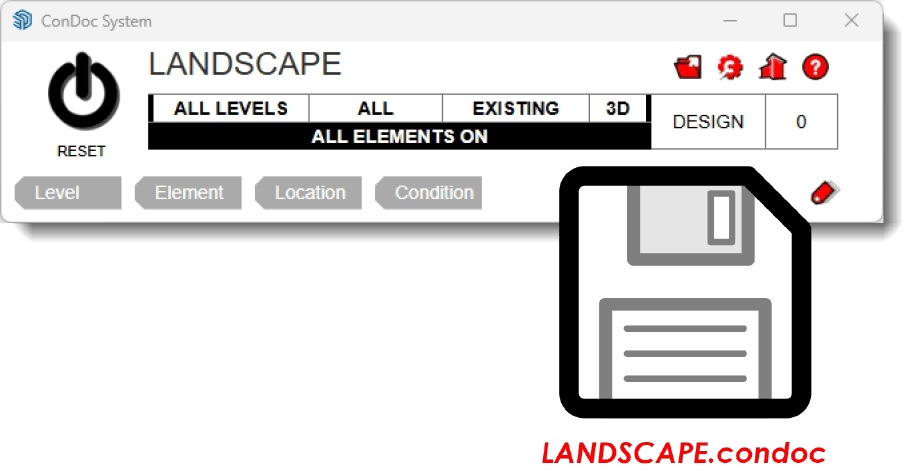
Load the included LANDSCAPE drawing set to instantly organize your model with tags and drawings built specifically for outdoor environments. Toggle LEVEL, ELEMENT, LOCATION, and CONDITION tags using the Heads-Up Display—no need to dig through the tags dialog. Whether you’re working on planting, grading, or hardscape layouts, ConDoc keeps everything clean, clear, and flexible. And if your view gets cluttered? Just hit reset to snap back to a workable scene and keep your momentum.
Simplified Tags for Landscape Designers
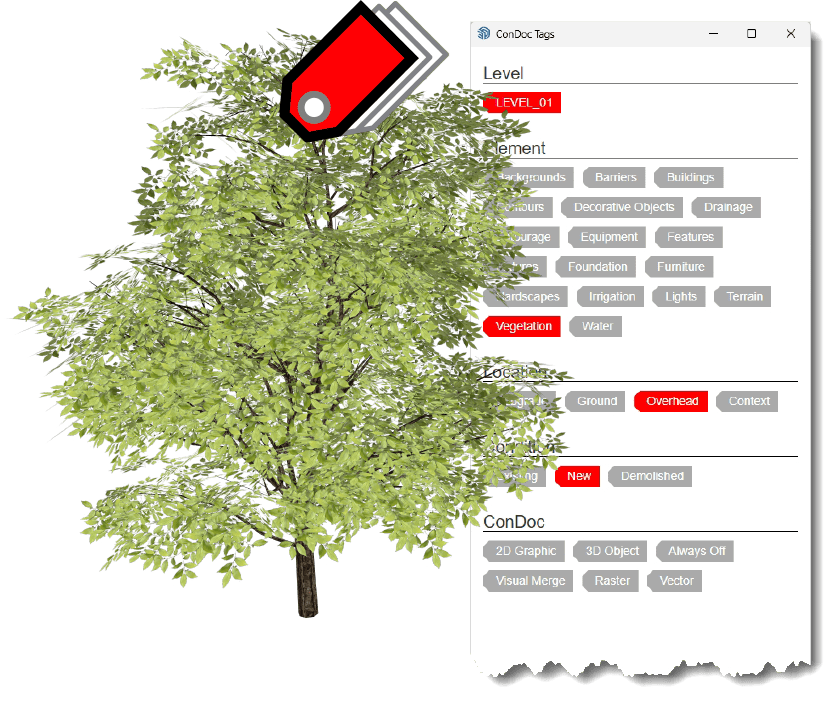
The LANDSCAPE drawing set comes preloaded with just the tags you need—no extra layers, no guesswork. Built on the proven LEVEL, ELEMENT, LOCATION, and CONDITION system, it helps you organize terrain, planting, hardscape, structures, and features with clarity. With multi-tagging, you can assign multiple tags to a single object—no messy nesting—so your models stay clean and your drawings stay consistent from concept to construction.
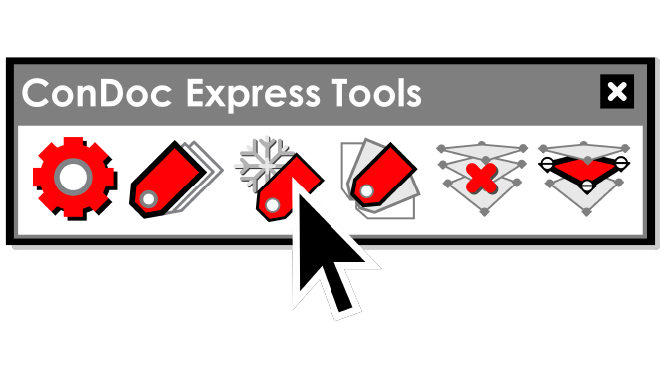
Express Tools for Landscape Designers
ConDoc’s Express Tools let you instantly freeze or isolate tag visibility—so you can zero in on grading, planting, or hardscape without digging through the tags dialog. Need to tidy up your model? Purge unused section planes or isolate the active one with a click. Whether you're refining a planting layout or setting up a clean grading section, Express Tools help you work faster and stay focused on design.
Customize ConDoc for Your Workflow
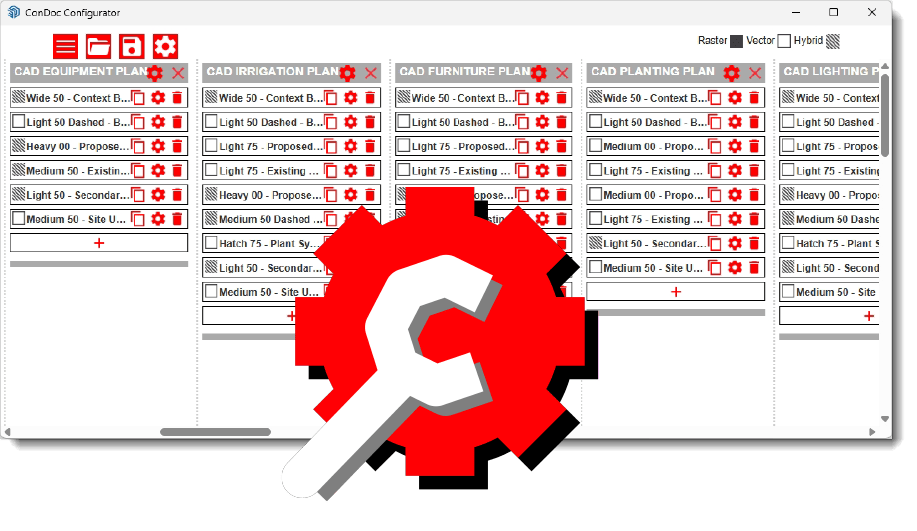
Every site is different—and ConDoc adapts to fit. The Configurator gives you full control over the LANDSCAPE drawing set, so you can add custom tags, adjust drawing styles, or build a setup tailored to your projects. Whether you're designing pools, outdoor kitchens, or municipal parks, you can save your system as a .condoc file to stay consistent across projects or share it with your team.
Works with the Tools You Already Use

Medeek BIM Tools
Seamlessly organize, tag, and generate pro-level drawings in SketchUp—fast and easy.

FlexTools
Combine ConDoc’s automation with FlexTools’ dynamic components for fast, precise, and hassle-free drawings in SketchUp.

SmartBuild
Seamlessly integrate ConDoc’s automation with SmartBuild’s efficiency for fast, accurate 2D drawings in SketchUp.
ConDoc is fully compatible with Medeek BIM Tools, FlexTools, and SmartBuild Systems.

Built for Your Workflow
Every project is different—your tools should be too. With the ConDoc Configurator, you can adapt any drawing set to match your exact standards. Add custom tags, create specialty drawings, and save your setup as a .condoc file to share with your team. Out of the box, ConDoc works great. With the Configurator, it works exactly the way you do.

Wish you could "polish up" your SketchUp skills before you grab ConDoc Tools?
We love SketchUp Pro so much, we created a full course to teach you how to use it better… And the entire start-to-finish course is included FREE with your subscription to ConDoc Tools.
In other words, if you're worried you don't know enough SketchUp-don't be. We've got you covered!

The missing link between SketchUp and LayOut
Yes, you could make 2D drawings without ConDoc Tools… But why would you want to? ConDoc Tools is the simplest, easiest way to create perspectives, elevations, sections, and plans in SketchUp-then quickly and painlessly export them to LayOut. Start a trial today and experience the power and simplicity of ConDoc Tools for yourself.
